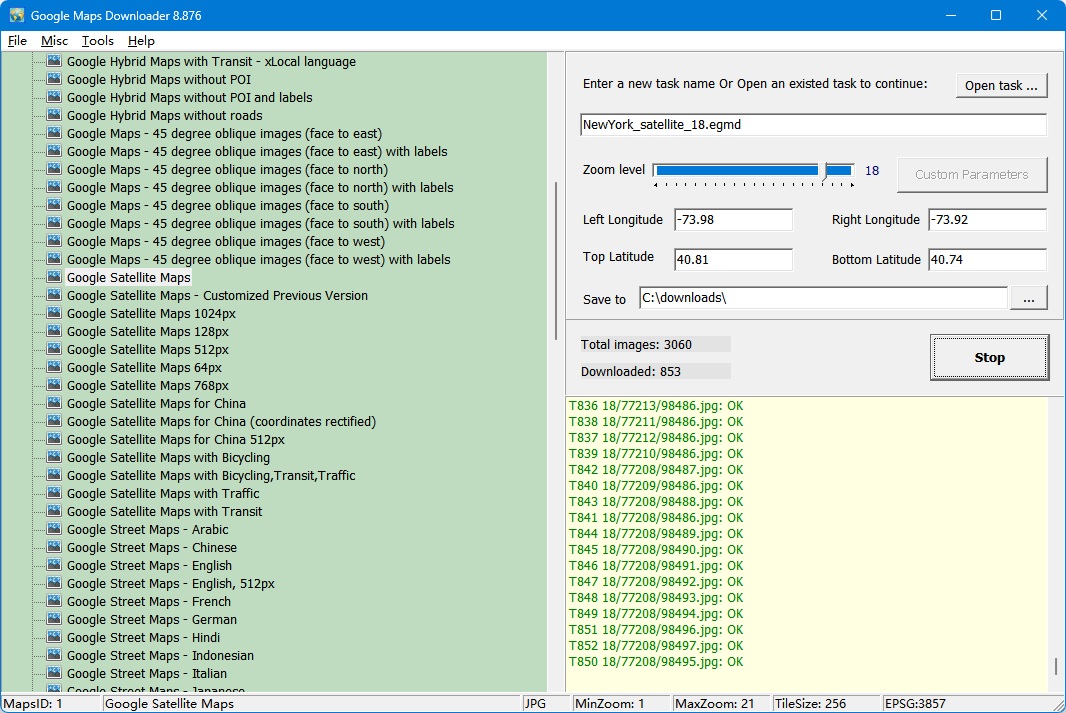
Google Maps Downloader is a tool that can automatically download the Google Maps images to your PC.
It can download the small tiles and save them to your hard disk, including the normal maps, satellite maps, hybrid maps, terrain maps, customized stylers maps, etc .
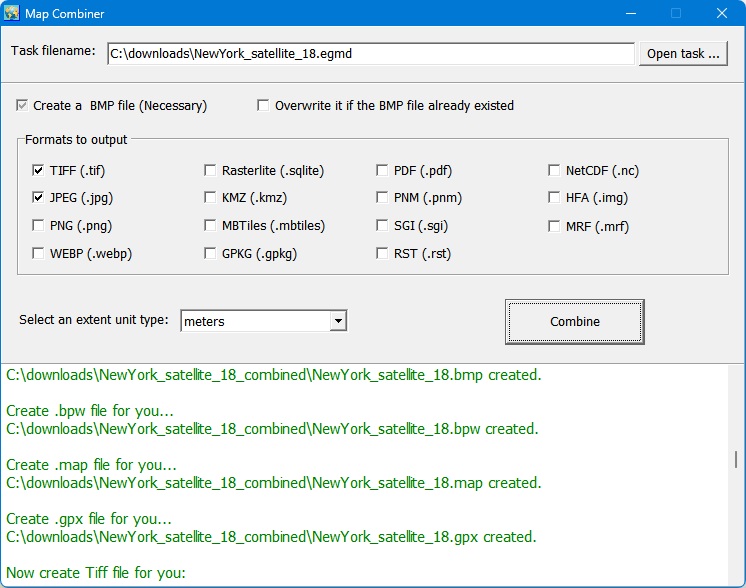
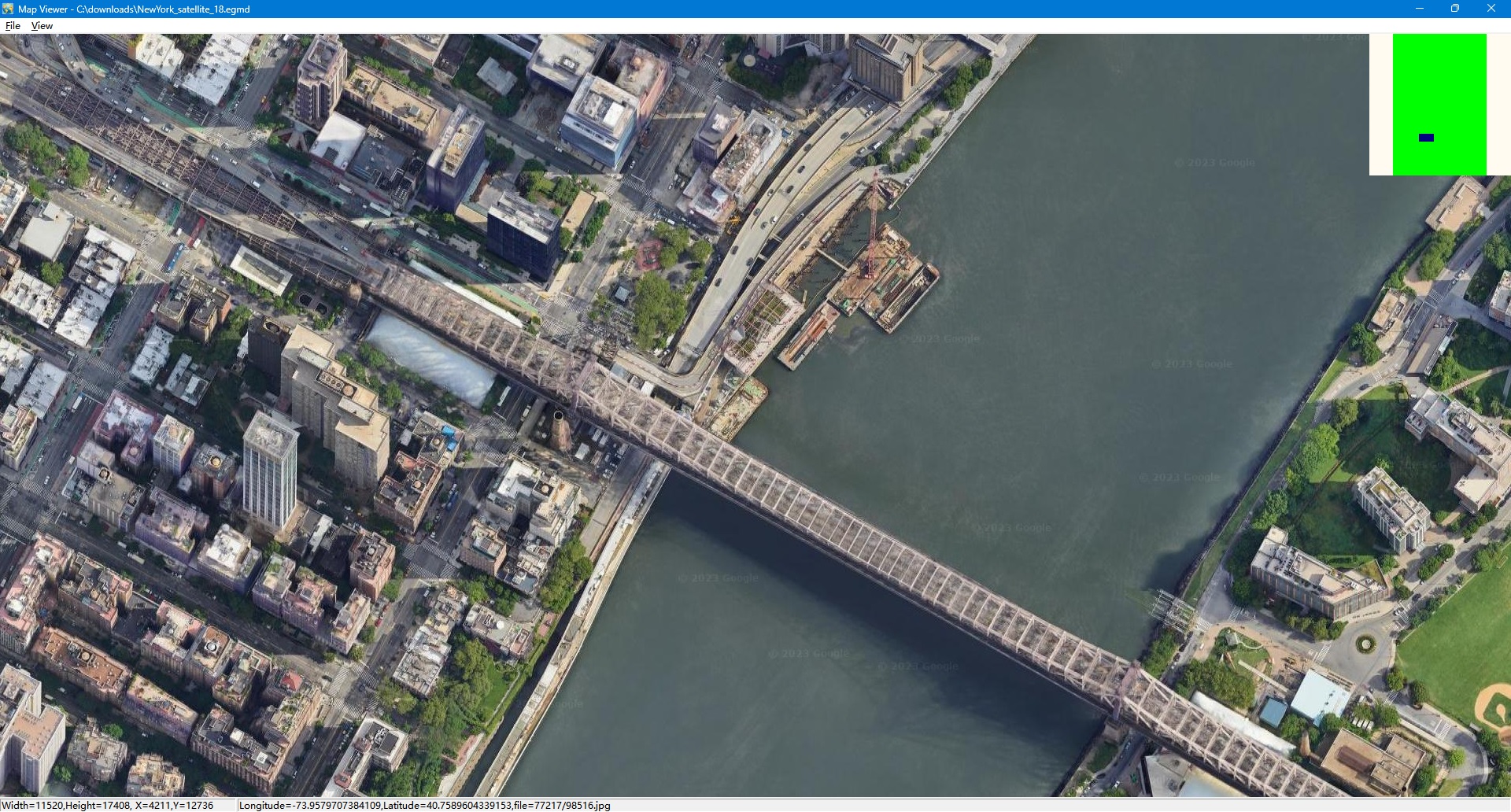
After downloading, you can view the maps offline by its tool Maps Viewer, or you can combine the small images into one big map image. You even can export all tiles to a mbtiles format database. If you want to make a map of your city by yourself, it is very useful for you.
Note: The downloaded images are only for your personal purpose, non-commercial use.
It is very easy to use. Click here to see how to use it.
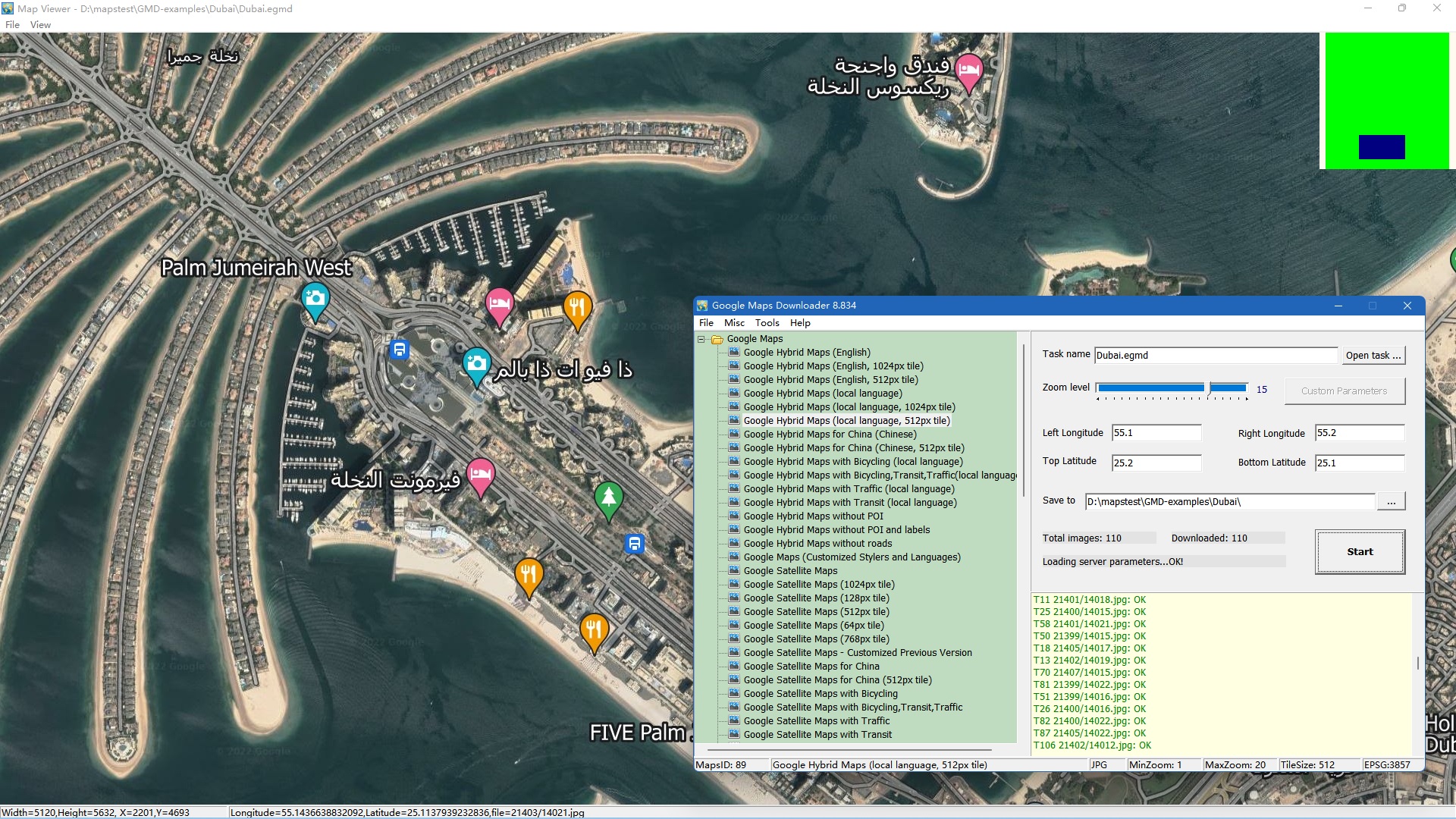
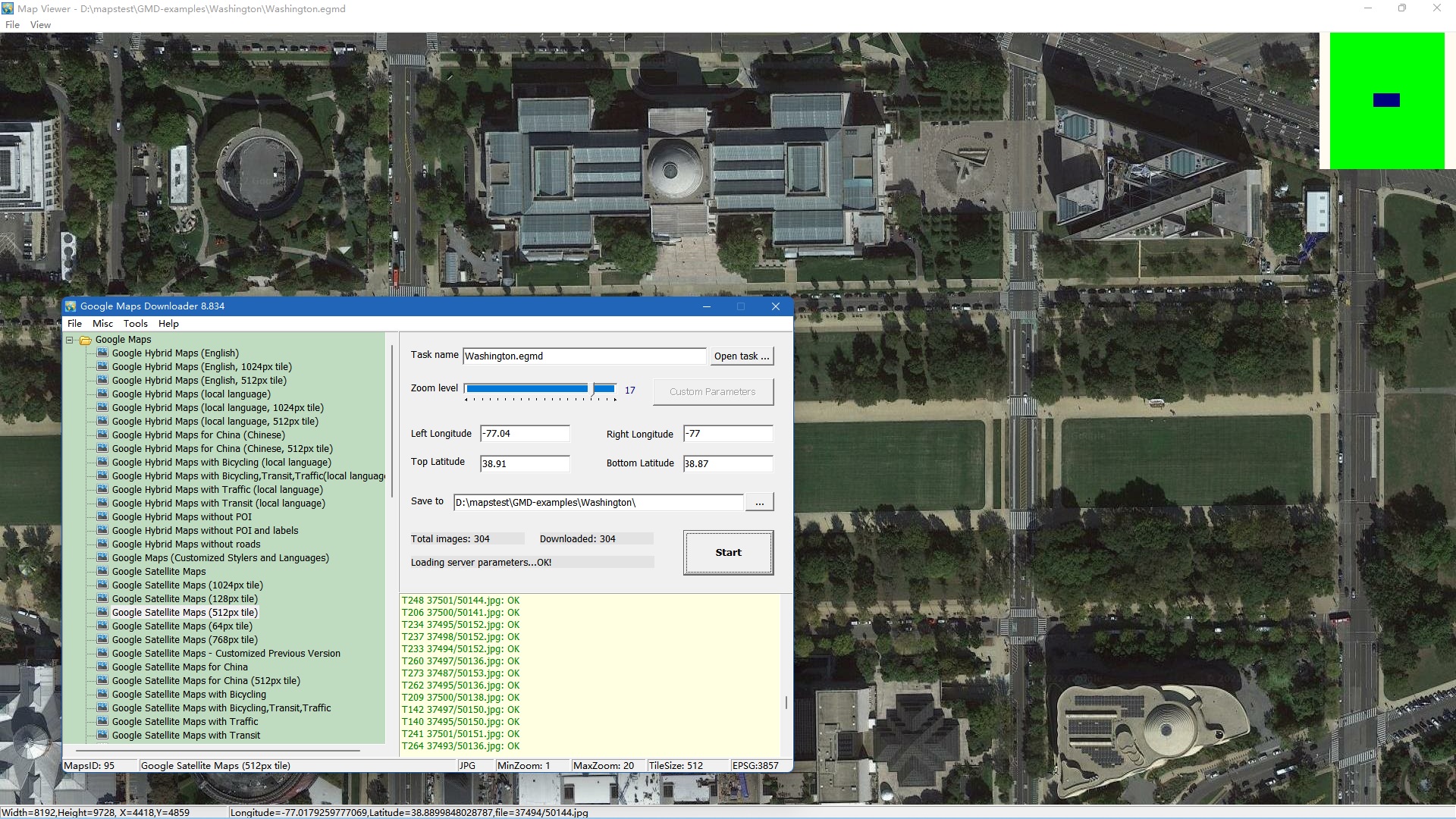
Every screenshot below is taken from the program itself. Click any image to open the full-size version.
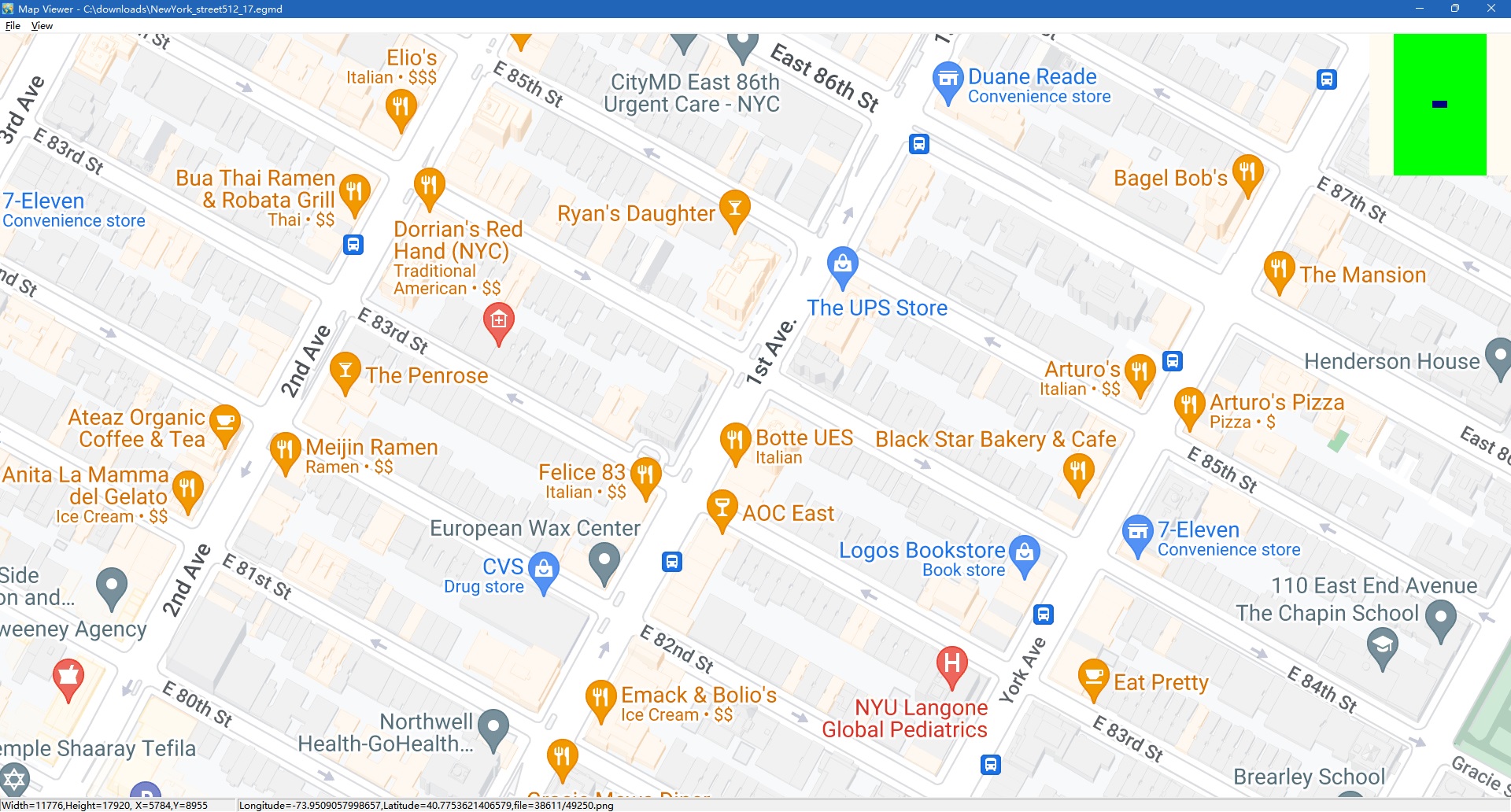
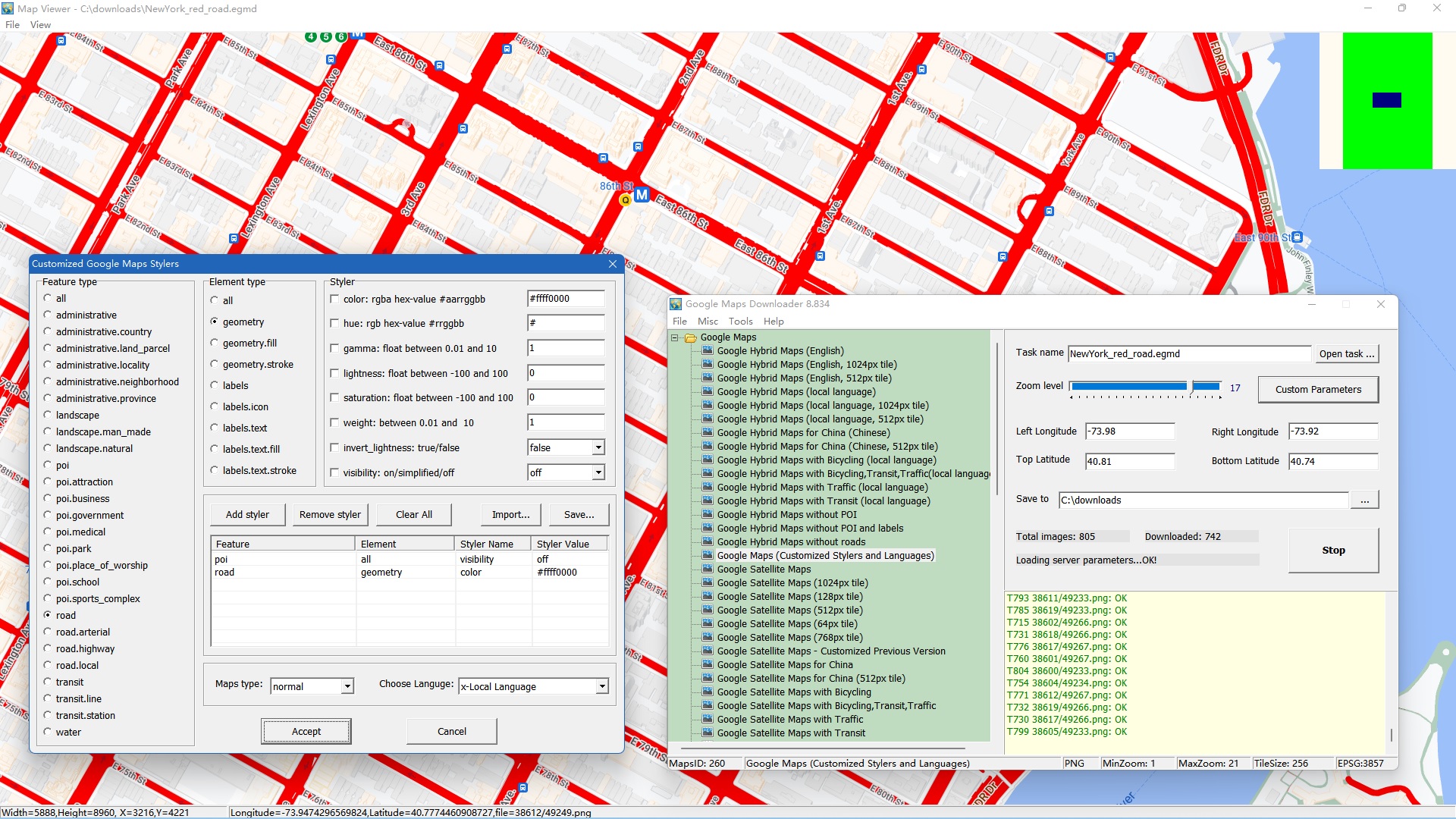
An example to download customized google maps, with red roads, poi visibility=off.
View full size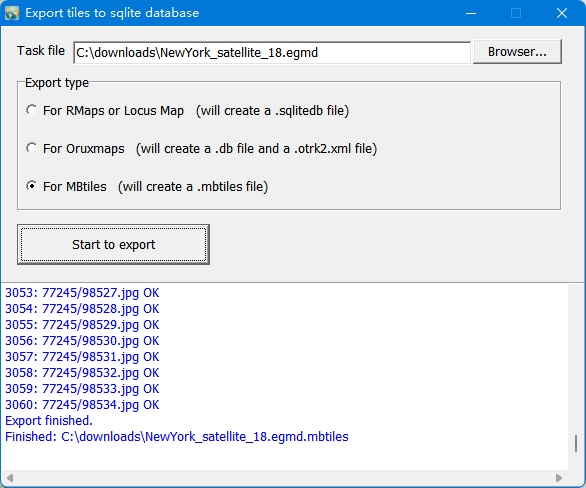
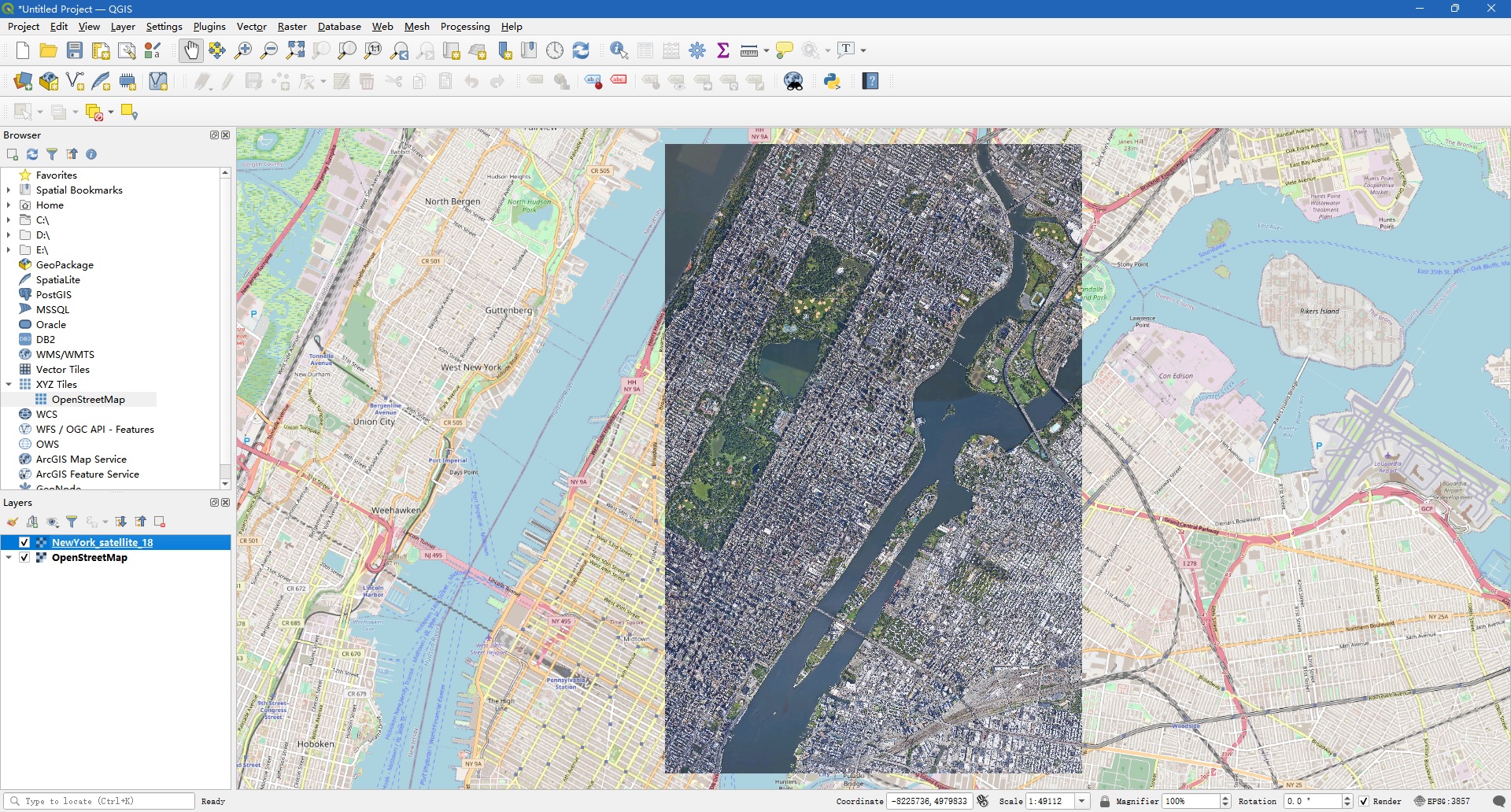
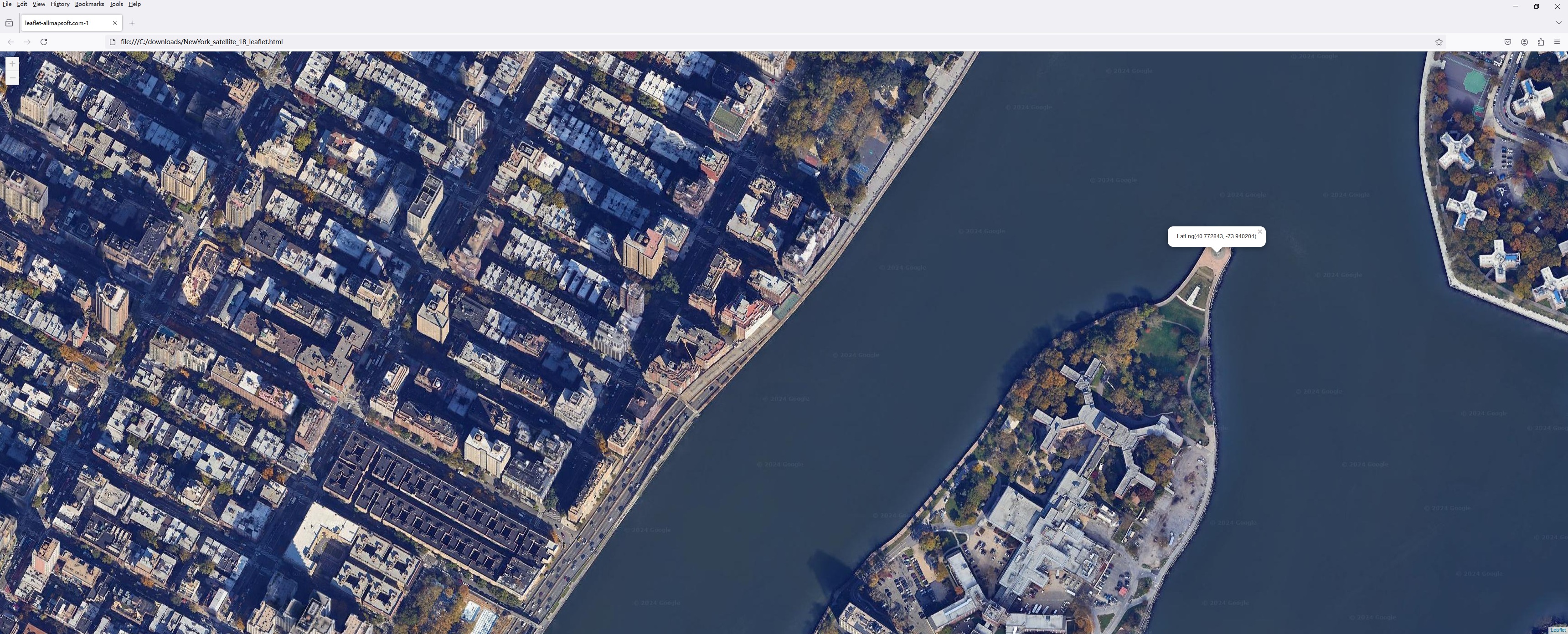
A few maps made with Google Maps Downloader — click any one to open the full-size image.
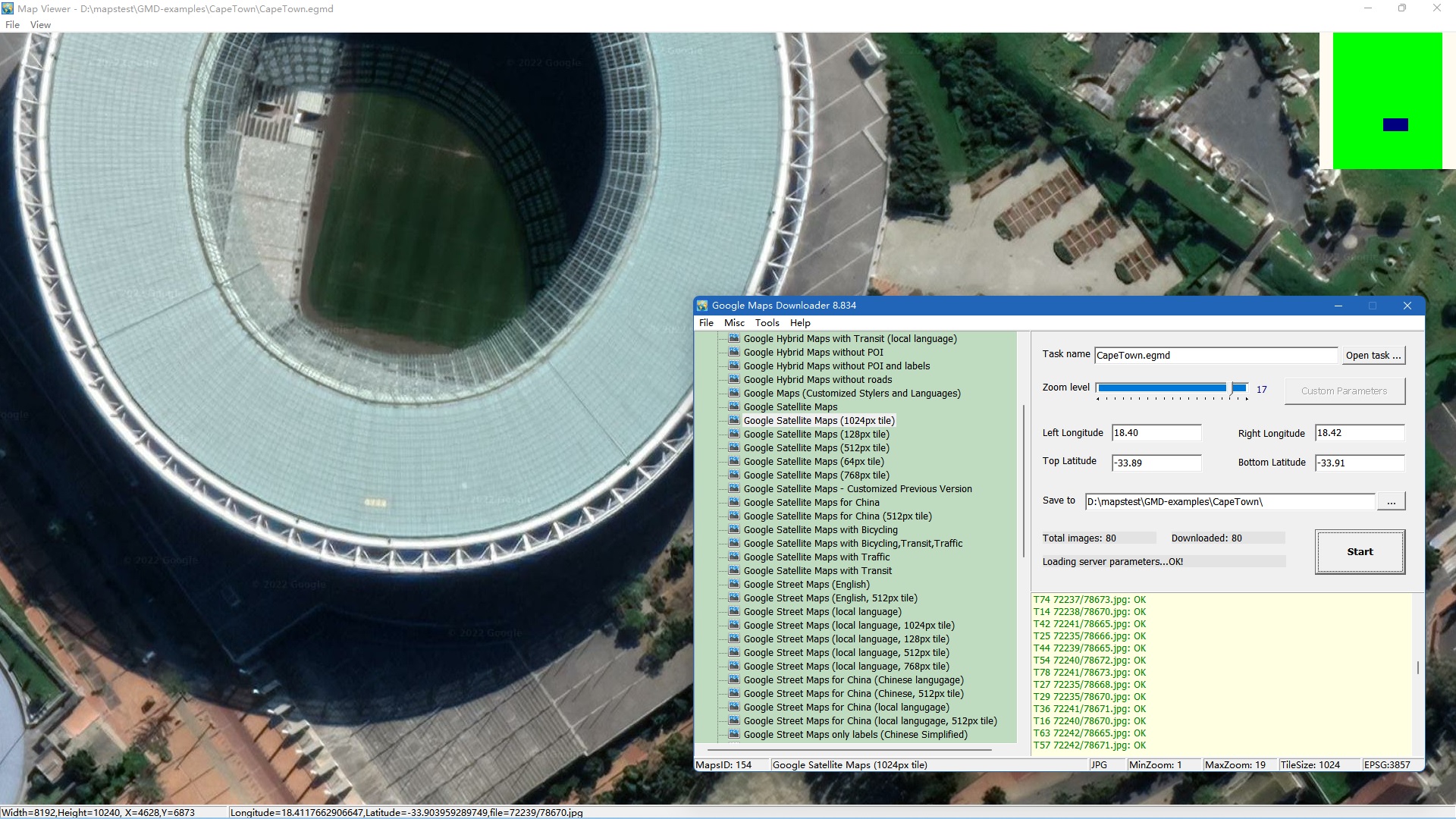
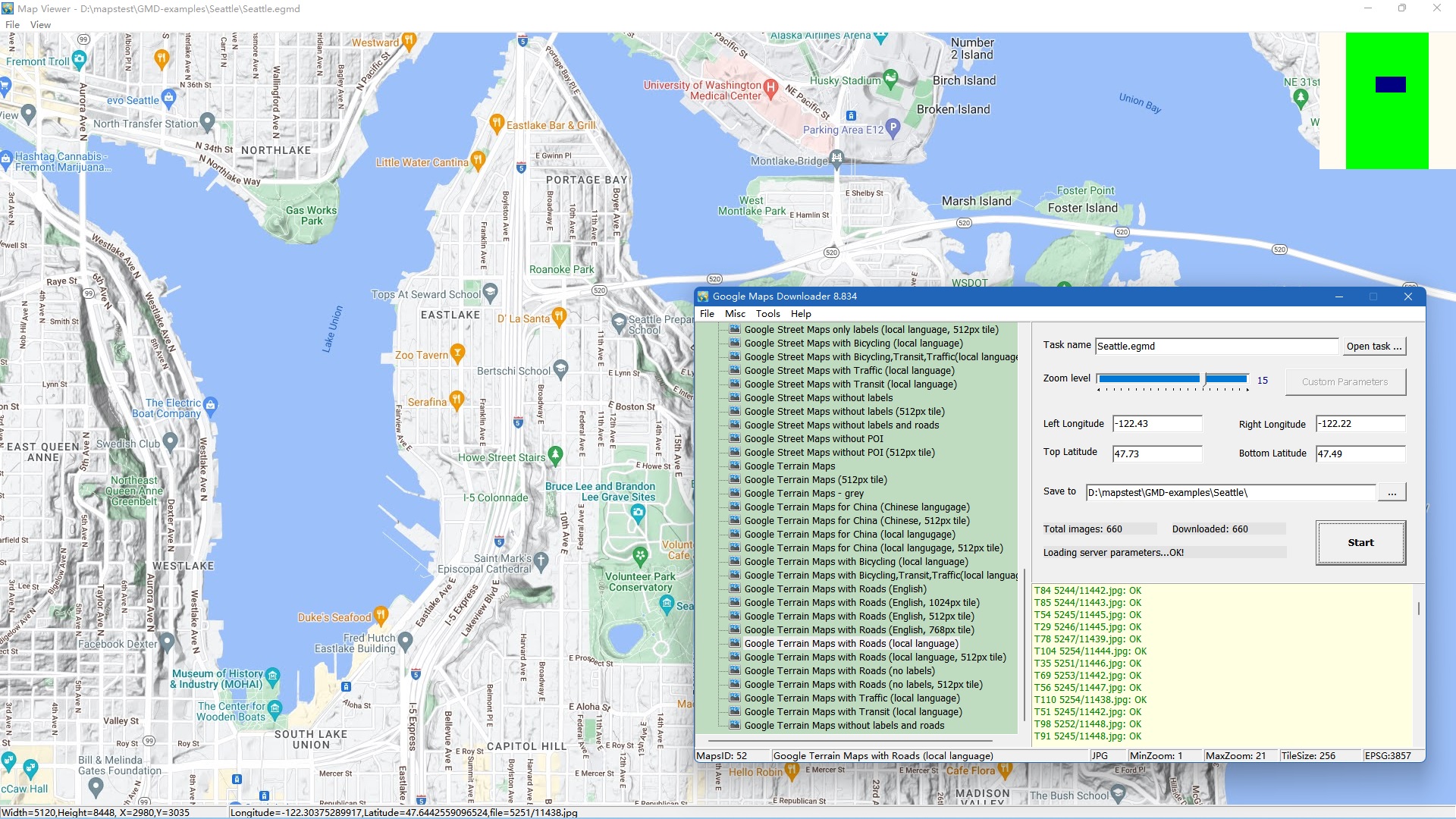
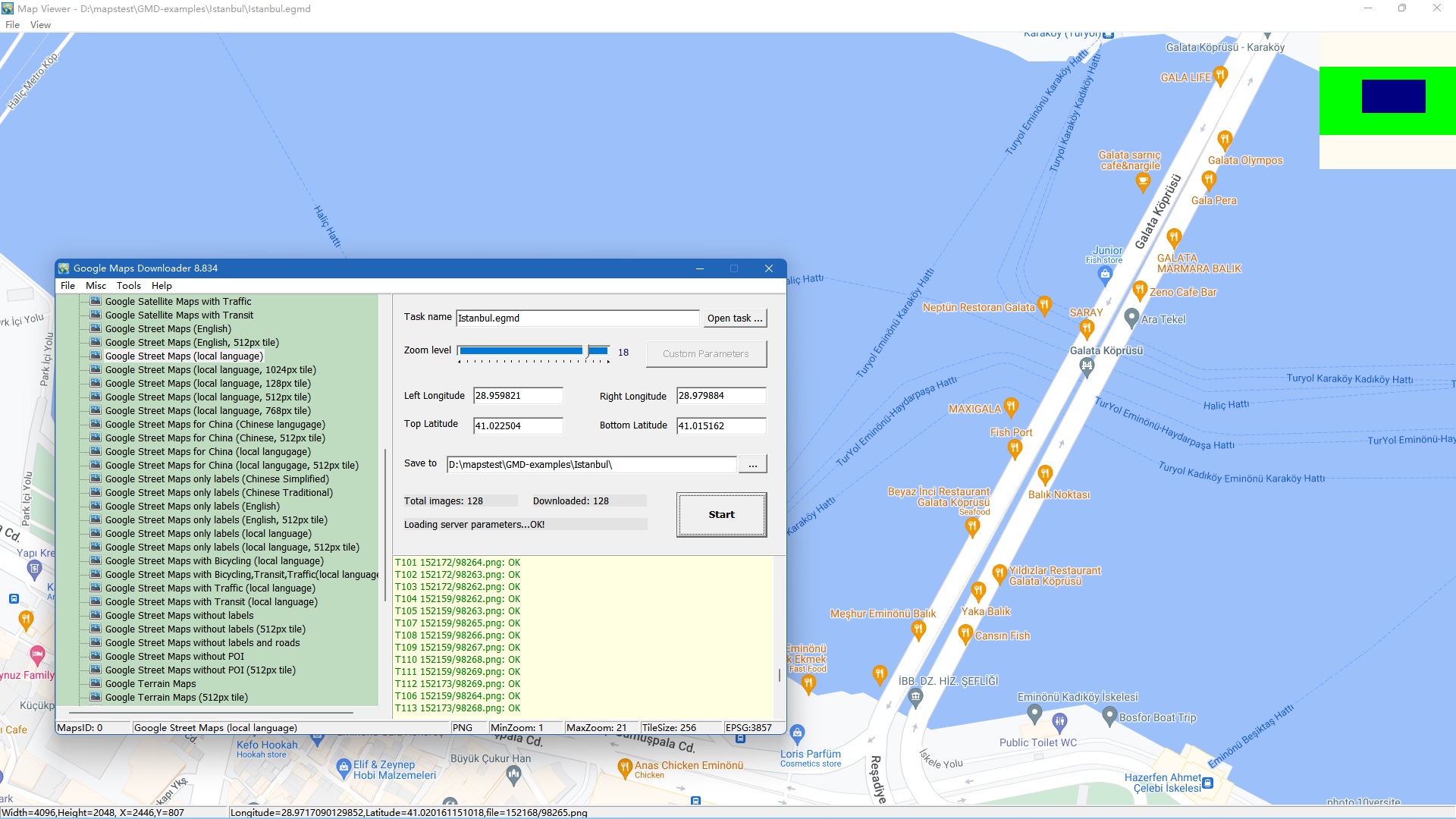
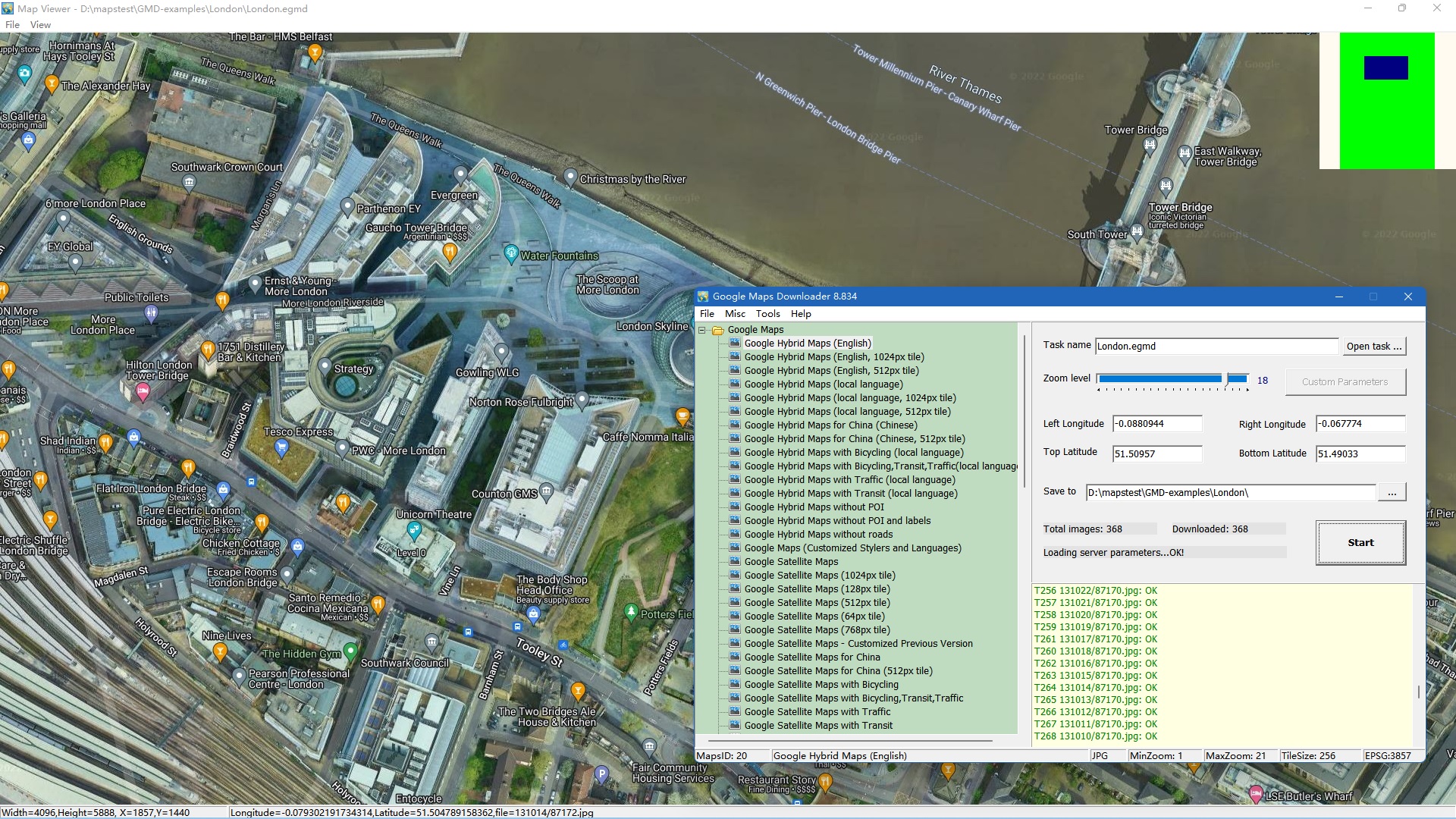
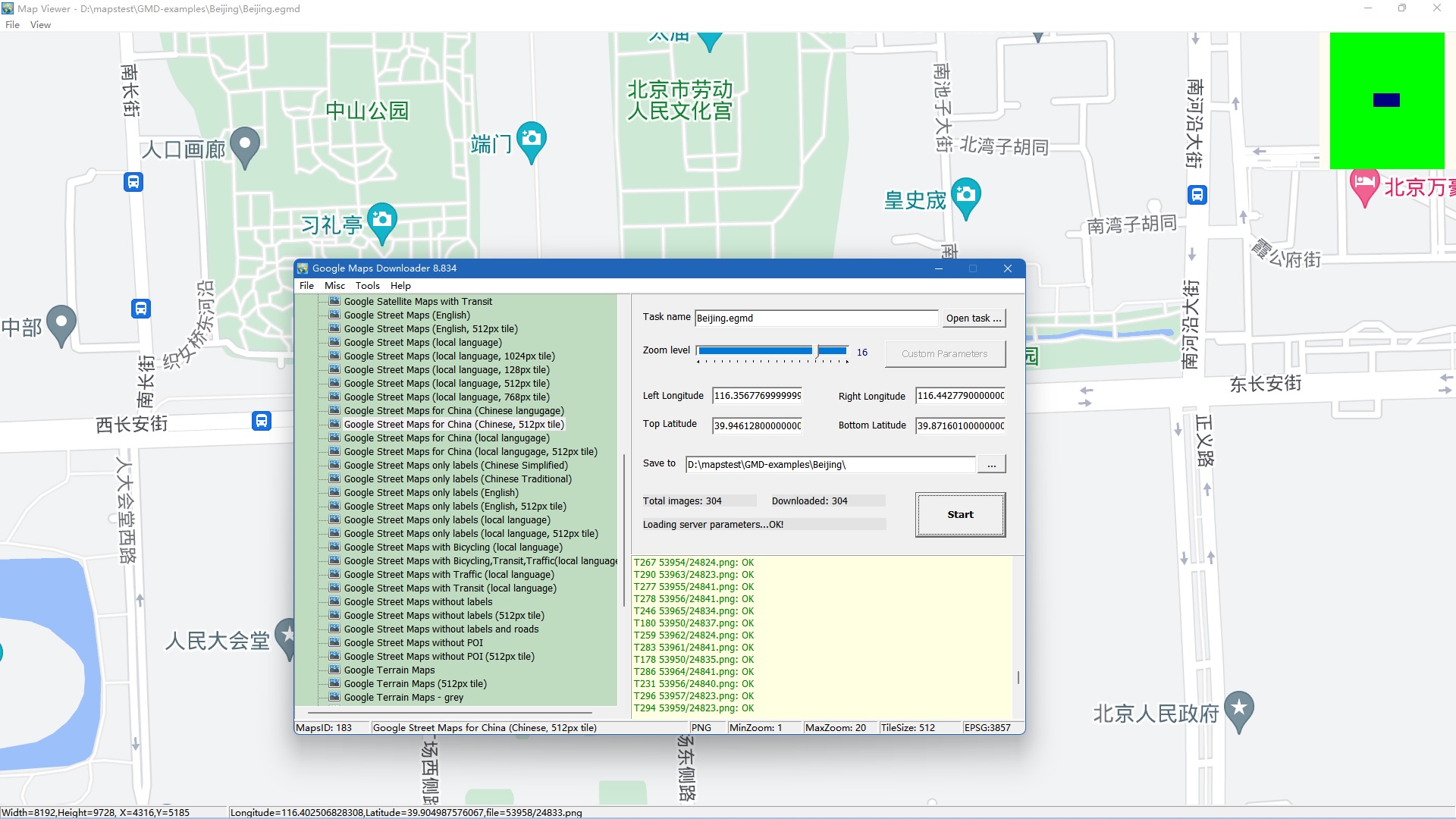
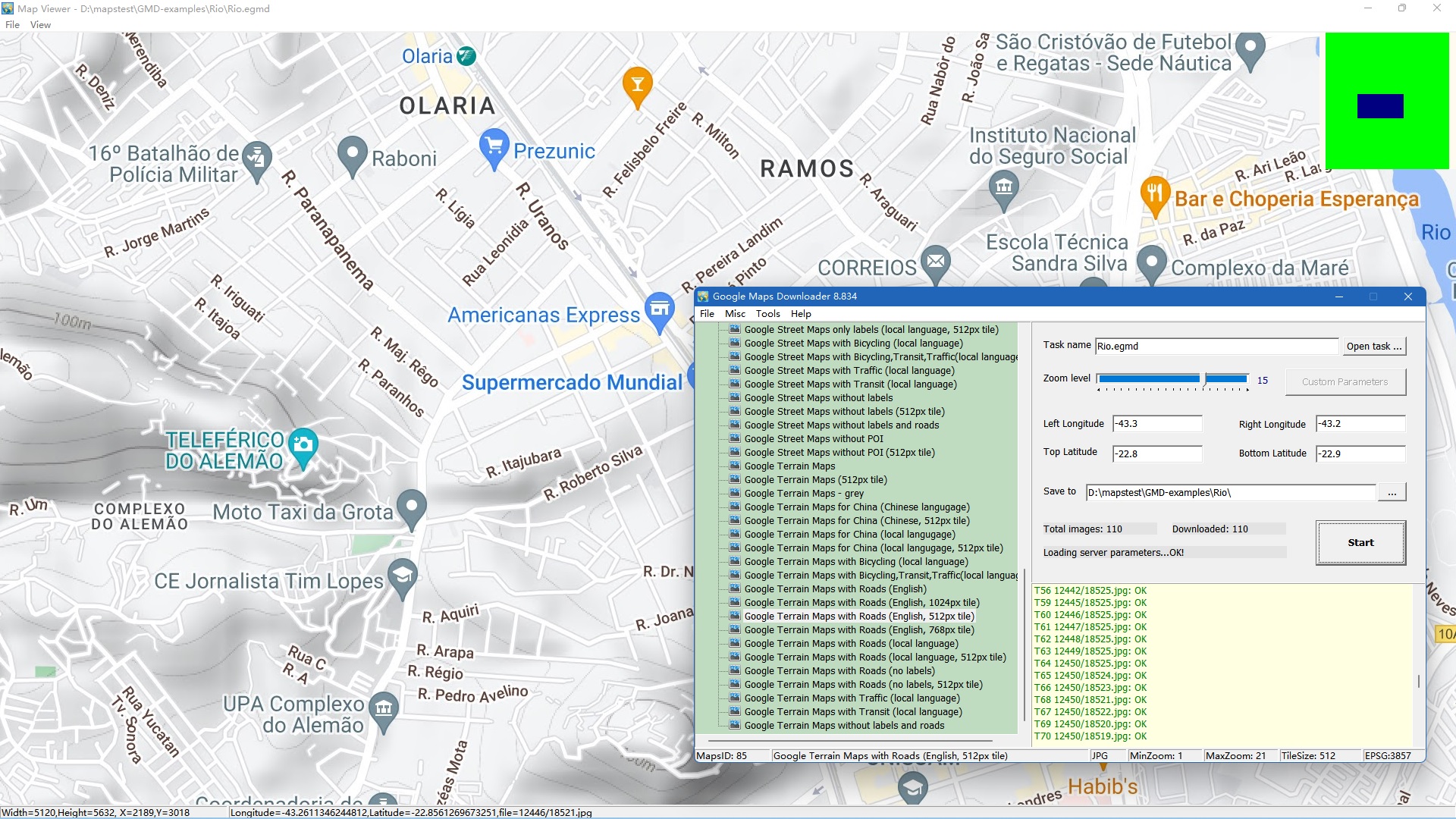
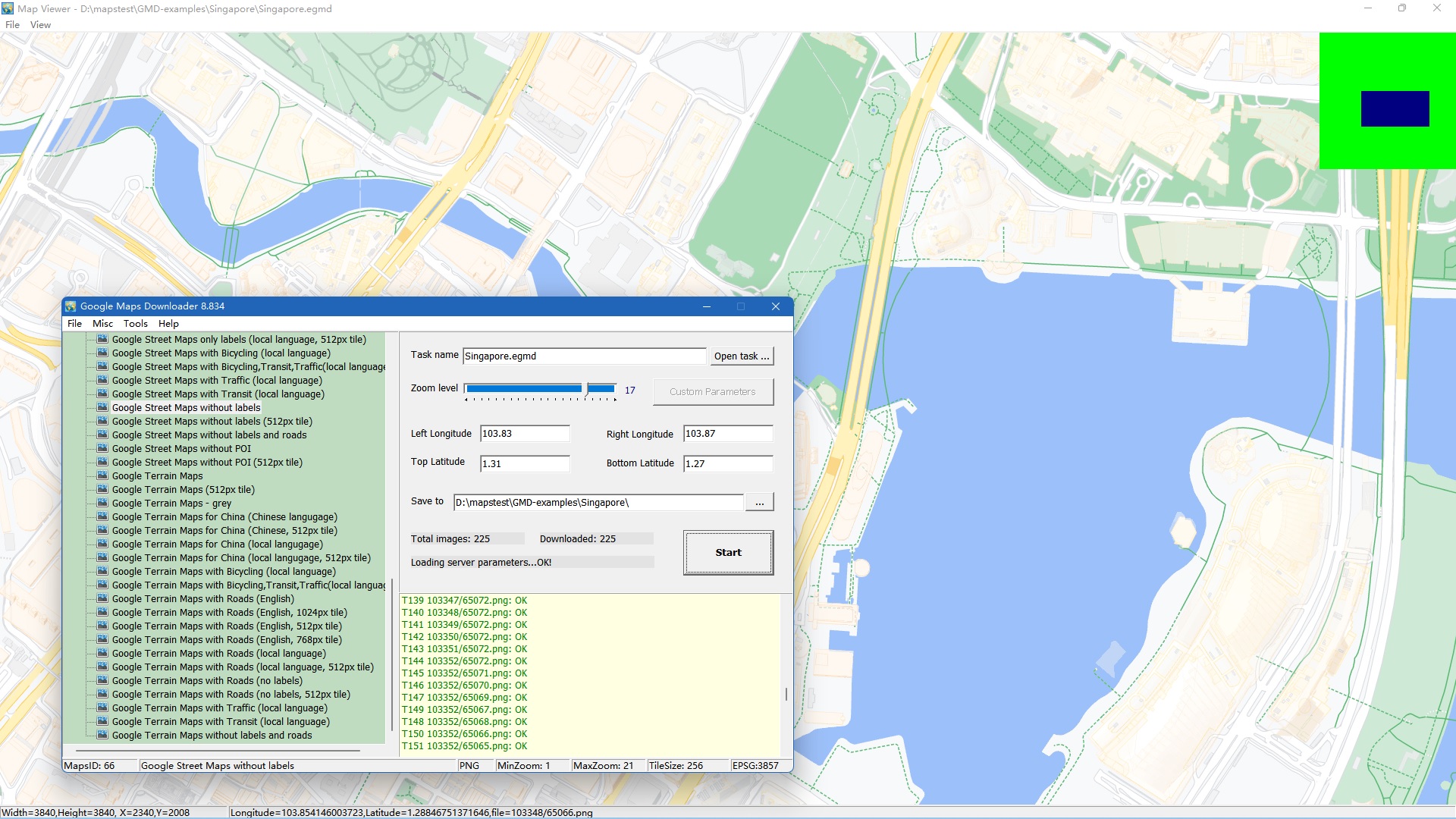
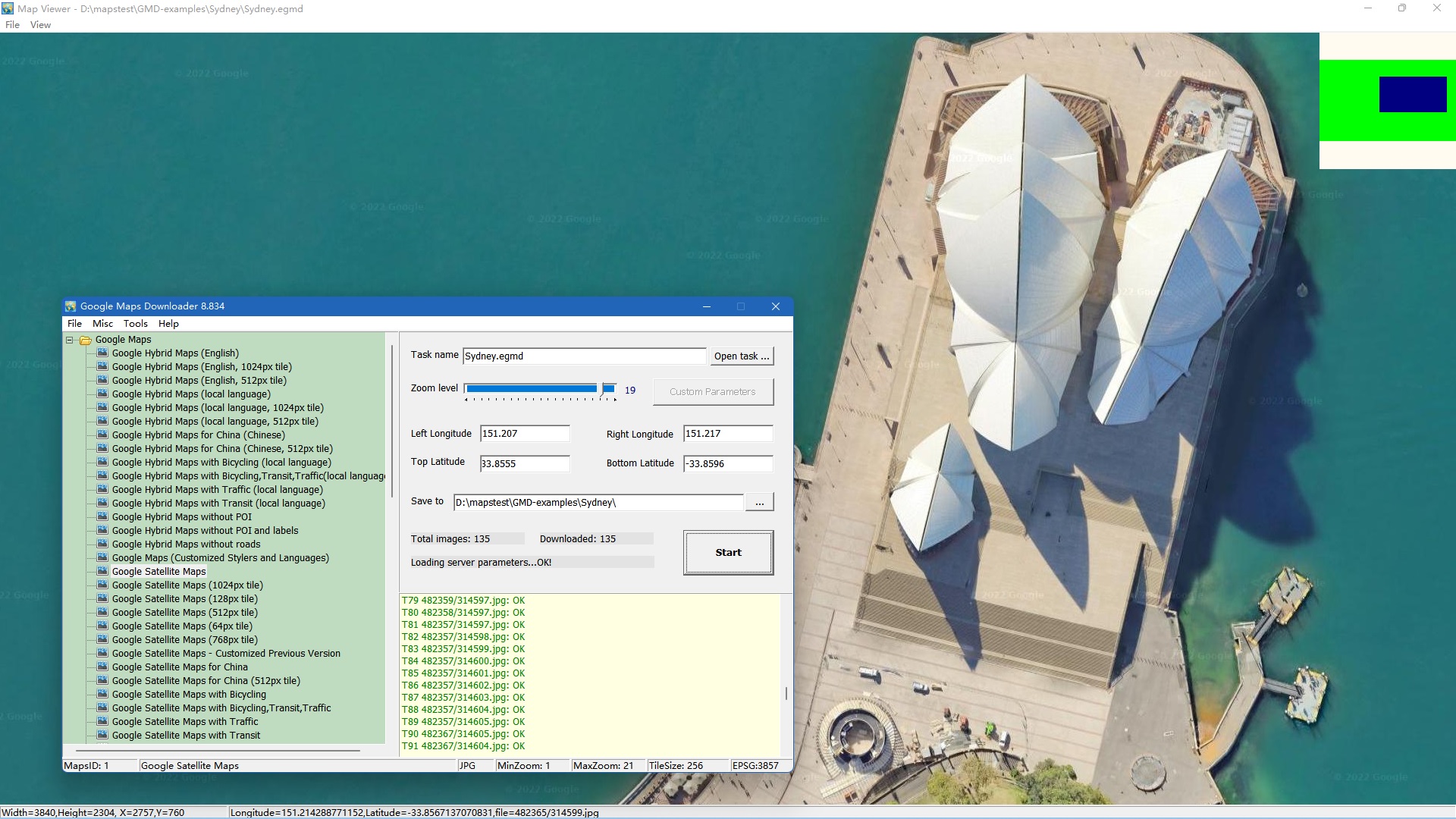
Try the free trial first: download a small area, combine the tiles and open the result in your GIS software before you decide.
Support Email: gmd@allmapsoft.com
Questions before you buy? Read the FAQ or check the update history.